
Recent News: The RAMpocalypse
Joshua Arnone • December 4, 2025

Okay, alright, what's the deal with RAM?

And what, on God's green earth, is the RAMpocalypse?

Yesterday, December 3rd, Micron released a statement saying that they are pulling out their Crucial brand of RAM modules from the general PC market, to the shock of absolutely everybody. For 30 years, Micron has been producing RAM sticks for consumers, companies, and the like, and now, they are pulling out in favor of providing hardware to exclusively AI data centers and cloud markets. Depending on the type of person you are, you might be asking: "well, what's the problem with that?"


Well, Micron has 33% market share, as of Q3 of 2025, aka: from July to September of 2025, they held 33% of the market selling RAM sticks for computers, chips for laptop motherboard and console manufacturers, and had a revenue growth of 46%. This is great news for a business, especially one specializing in manufacturing computer components, until you start looking at some numbers.


As of the last five days, meaning before the announcement, their stock was rising. Upon the announcement yesterday, stock plummeted from $236.49 per share... to $229.30. A decrease of 3% in an instant. It promptly went back up to ~$235, however, it has been on a decline since, and is now down to $226.65, and has been around that range for the entire day today. This is a bad look for them, and I'm sure they're on full damage control.


So, let's break this down.


Why is RAM important?


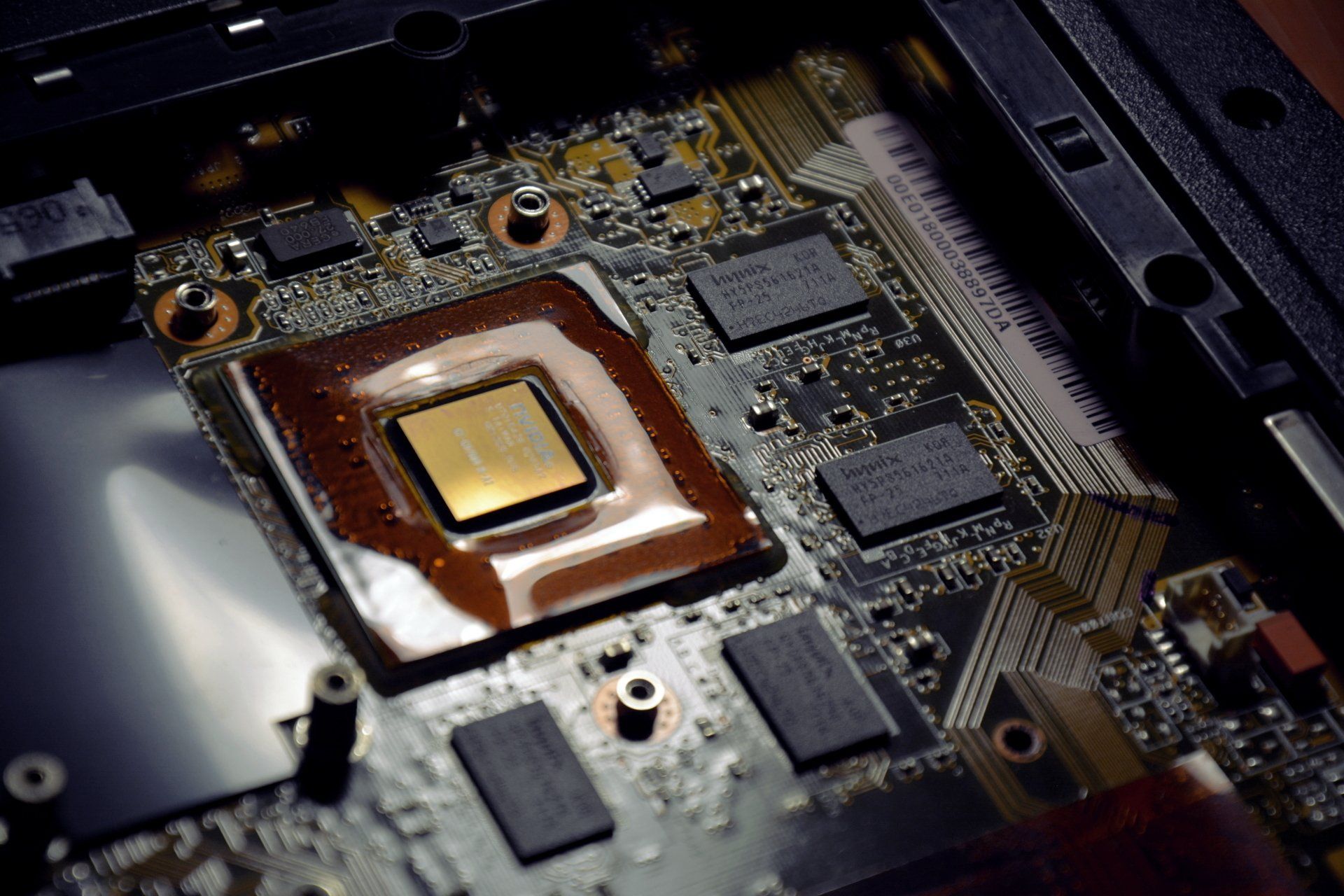
RAM stands for Random Access Memory, and is used for short-term storage. Your computer, your phone, anything that could be considered a "digital computer" uses RAM. It holds variables, information, and all sorts of things for a very short amount of time, and is used primarily by the CPU. It's much faster than your storage, even if you have an SSD, so the CPU uses that for short calculations.


Say, for example, you have two variables, variable A and variable B, and you want to add them together. The CPU assigns variable A a number, then variable B a number, and then adds them together, and gives it back to you. Without RAM, after the CPU assigns variable A a number, and goes to give variable B a number, it goes back to variable A to add it to variable B, and promptly realizes that variable A is gone, and proceeds to have a panic, and finally crash, resulting in you not getting the sum of A and B.


Not having RAM is very bad. So manufacturers create RAM chips that serve that purpose, with the intentions being speed, and size. The bigger and faster, the better.


Because an option has disappeared for consumers, especially a huge option like Micron's Crucial brand, this means that there's a gap in the market, which is immediately filled by existing competitors, who usually charge more to keep up with the demand, as supply dies out for Micron.


Why would Micron pull out?


That is the million dollar question; and the answer is what everybody and their dog with a phone and modern knowledge would guess: AI. AI takes a lot of resources, especially RAM, and by catering to AI data centers, they can charge whatever they like for the modules, as they make very strong High Throughput Modules, which is needed for AI and machine learning models to decipher and "remember" conversations with users.


Now, by focusing purely on AI, it's easier work for them, for sure, but they lose a majority of their customer base. And no customers means no revenue. And no revenue means no profit. And no profit means no money. And no money means no Taco Tuesdays.


For us, a cute lil' rinky dink repair shop? This doesn't change much -- we work with parts for phones, tablets, consoles, lap- oooooooh. Because RAM modules are so expensive now, because of what we deem the "RAMpocalypse", this means sourcing parts is much more difficult. But we're more than willing to try anyway!


By Joshua Arnone December 12, 2025
Every day, every week, somebody's account on a forum, social media platform, or fundamental service to their livelihoods is hijacked. Coincidentally, "data breaches" are prevalent. What are they? Is there a correlation?
By Joshua Arnone November 28, 2025
It's approaching Christmas time, so you know what that means: Christmas shopping.  And we're here to deliver some gift ideas this time of year.
By Joshua Arnone November 19, 2025
Welcome to the first freezes of November, Apex!... And the rest of North Carolina, too.
By Joshua Arnone November 3, 2025
The year of desktop Linux is a joke among experienced computer users. But, is it really still not the year? First of all, welcome to the very first post in the "Tech Talks w/ Josh" series. I'm your blogger, Joshua Arnone, and let's get to talking about a penguin-oriented operating system. What is Linux? Linux is a free-as-in-freedom kernel , created by Linus Torvalds, in 1991, as a personal project while studying in Finland. A kernel is a foundational level in software that ties together your hardware (physical computer) to your software (applications, like Firefox and whatnot) that takes care of drivers and running the operating system. If you're in the Mac ecosystem and heard of a " kernel panic ", that means that the computer ran into something so irrecoverable that even the kernel was forced to shutdown and restart. When people talk about "using Linux", they really mean that they are using a distro , or distribution, of Linux. What are Linux distros? Distros are essentially the "operating system" that Linux boots up. When you hear "Ubuntu", "Arch", or "Debian", those could be considered the operating system behind Linux. It all loads the same Linux, however, what differs is normally the package system (i.e., Ubuntu and Debian use apt , or "advanced package tool", while Arch and derivatives use pacman , or "package manager"), update cycle (Debian releases stable update cycles very cautiously and barely "occasionally", to promote system stability, Ubuntu releases stable updates more frequently, and Arch has no concept of stability beyond "it just works" nearly daily, depending on the developer), and general community. However, distros don't equal how it appears. Two computers running the same distro could look very differently from another, and that's thanks to one of two possible GUIs, or graphical user interfaces: Desktop Environments , (DE) or Window Managers (WM). What's the difference between a Desktop Environment and a Window Manager? Statistically speaking , you're running Windows. Windows could be considered a desktop environment , as you have windows, with bars for you to click on and move around with your mouse. If you're a mobile user, i.e., Android, iOS, and the like, it could be considered a window manager . Unlike a desktop environment, window managers manage their windows (which are managed by the window manager) by the user using certain keybinds and combinations of characters to move them around, close them, and duplicate them, rather than using the mouse. Generally, if you're looking to enter the Linux ecosystem, it is highly recommended you use a distro designed for a desktop environment , such as Manjaro with KDE, or Ubuntu with XFCE. This is because many skills you may have acquired using Windows, even at an intermediate level, will transition nicely over to Linux, except for when it comes to getting applications. Fundamentally, why Windows, Mac, or Linux? When it comes to using your computer, you have a certain lifestyle and suite of applications you use regularly. For example, the average Windows user likely simply browses the internet using an internet browser like Firefox, Chrome, Opera, or Edge . These are the most popular and most used internet browsers, and if you're not using these, you are using a variant of the browser, such as Chromium-based browsers, which run off of a similar engine that runs Google Chrome. Whenever you want to use an application (such as Discord), you normally go to the website, download an installer, tell UAC (User Account Control) to permit your system to be modified, and agree to whatever terms and conditions the installer displays, tell it where to install, usually just by clicking "Continue" over and over until it gets done. When you do, you often get a little icon on your Desktop that leads to your application, it's in your start menu, it's everywhere you need it to be to access it, and you double-click it to open it. The average Mac user also browses the internet, but often uses just Safari , and very rarely ever has to install applications, but when they do, it's normally through the App Store. Now, the average Linux user may also be using the same kinds of browser as the Windows user, however, they have to get the packages for it via the command line, with apt or pacman , then, when they want to use it, they may run it from the command line, or through the Desktop Environment's equivalent to a Start menu, or any general "meta" menu. Installing applications, whether they be games or browsers, editors or system management tools, is all done through the command line. Very few desktop environments or distros are designed to be used exclusively with the mouse , and this is where the arguments for "year of the Linux desktop takeover" fall apart. How does it fall apart? The average Windows or Mac user will have to undergo a life-style change, not to mention possibly losing their data to install a Linux-based distro, and understand how to use the command line, even if it's just to the extent of getting the same things they already have on Windows or Mac. Because of this, it becomes a question of "why bother changing", if what they have is working? The Windows user may answer "I don't bother, because what I have is so easy, works everywhere, and is perfectly fine." The Mac user may answer "I don't bother, because what I have is part of an ecosystem. Everyone I know has a Mac, and it works fine for them, and it works fine for me." And the Linux user may answer "I bother, because I care about my privacy, know what I'm doing with my data and my everything, and it all works fine, until someone updates something improperly, and I have to roll-back an update. That's annoying, but I care about my computer, so I use Linux." And I answer "there should be no point in arguing, because what everyone has works, until big corporations come to try and tear it away for the sake of more money. When the paid stuff breaks and nobody fixes it, then you switch to Linux, because then, you trade your time for saving money, and stability, if you make the right choice." But that's just me, and it's a case-by-case basis, which is why if you worry for the future of your computer and want to learn more about Linux, we can help by setting you up with a Linux distro that fits you, and help you learn how to use it.
By Joshua Arnone October 27, 2025
We get it. Replacing your phone sucks.
By Joshua Arnone November 22, 2023
Hoo boy. You never want to see the Apple for longer than thirty seconds. But if you do, here's what to do.
By Joshua Arnone November 19, 2023
As fun as that would be, no, this isn't a tutorial on how to get ghosts to touch your phone for selfies. Disappointing, I know, but you really don't want your phone doing stuff on it's own.
By Joshua Arnone November 18, 2023
We get it. You don't want to bring your computer to a shop, but you want a fresh new experience with your computer. Don't worry. You probably already have everything you need.